Paste the link. We do the rest.
Bee AI Studio turns any product page into four professional studio photos and a listing that sells, in about a minute.
- First product free
- No account needed
- 20+ marketplaces
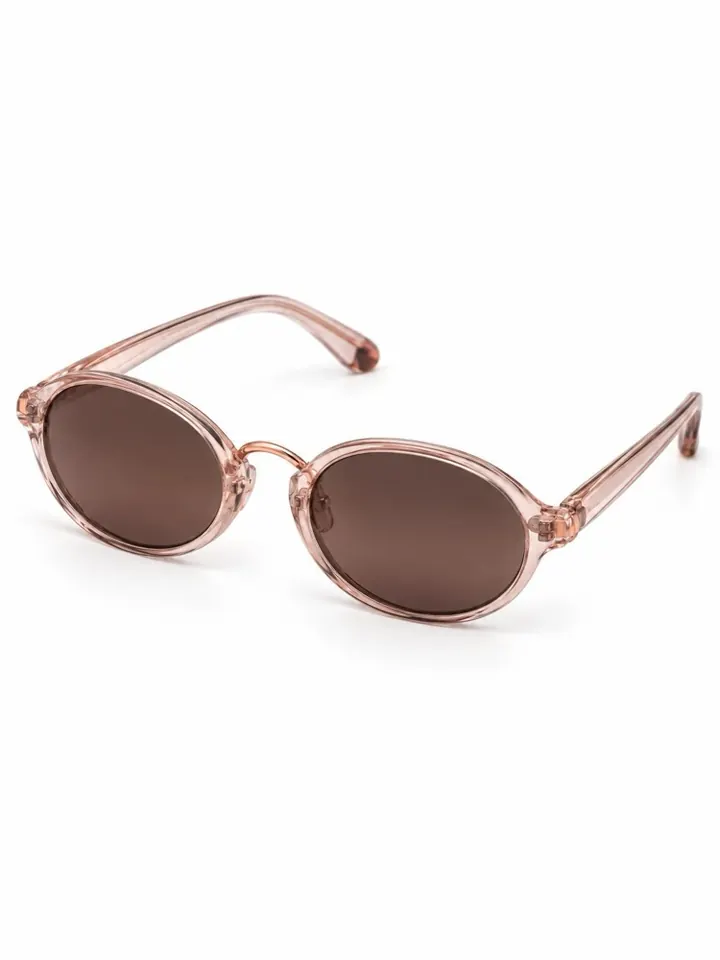
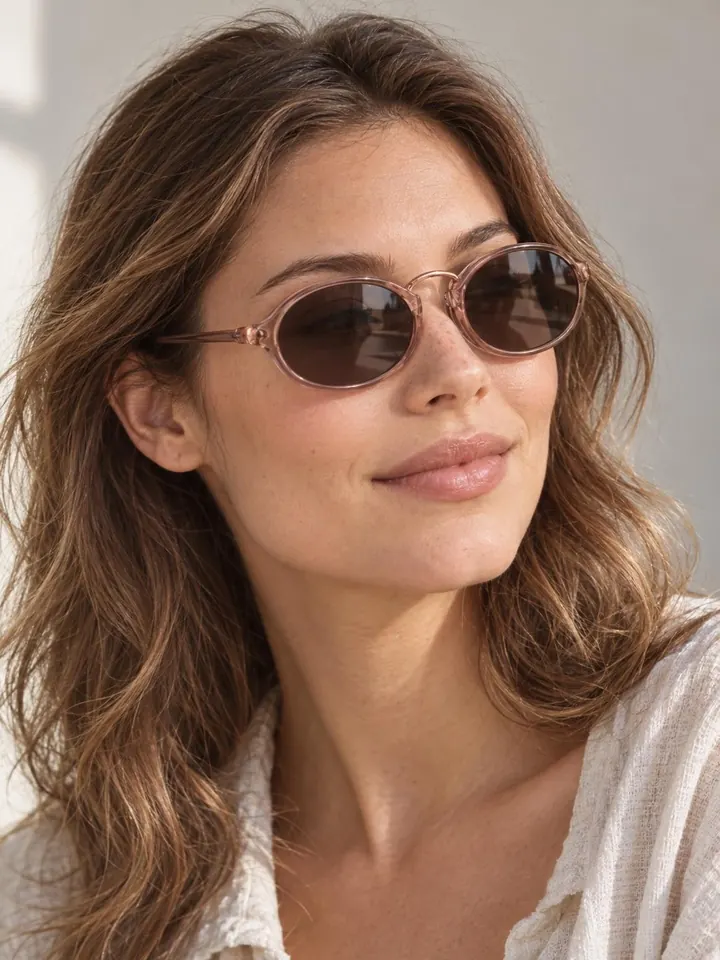

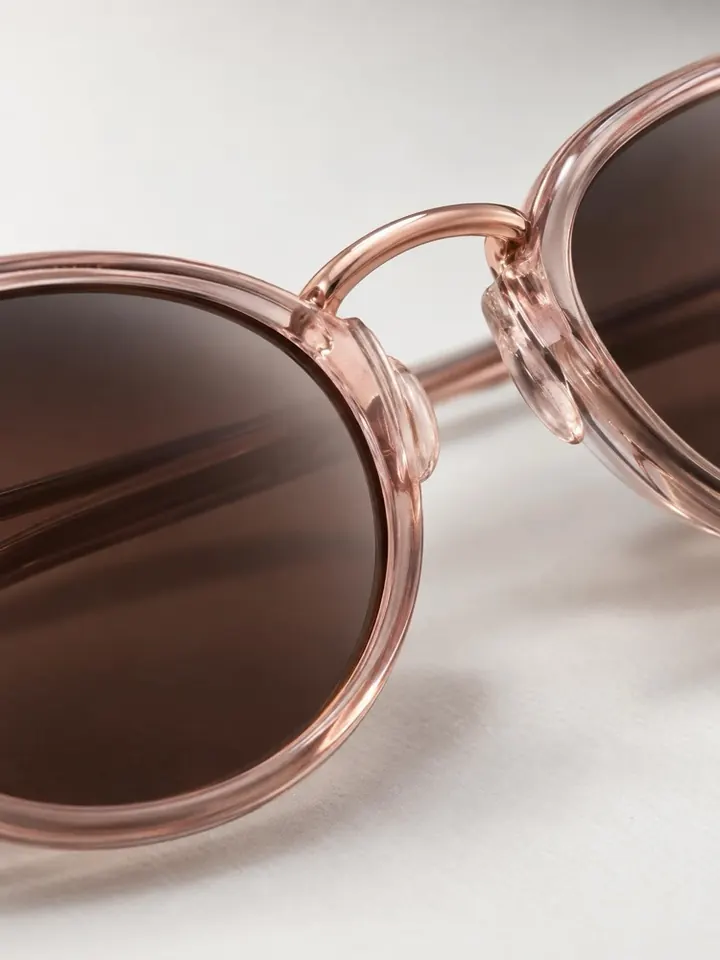
Works with product links from 20+ marketplaces and stores
- Amazon
- Trendyol
- eBay
- Etsy
- Shopify
- Hepsiburada
- AliExpress
- Walmart
- Flipkart
- Rakuten
- Ozon
- Noon
- n11
- Tokopedia
- Newegg
- Pazarama
- ÇiçekSepeti
- PTTAVM
- idefix
- Modanisa
- and any online store
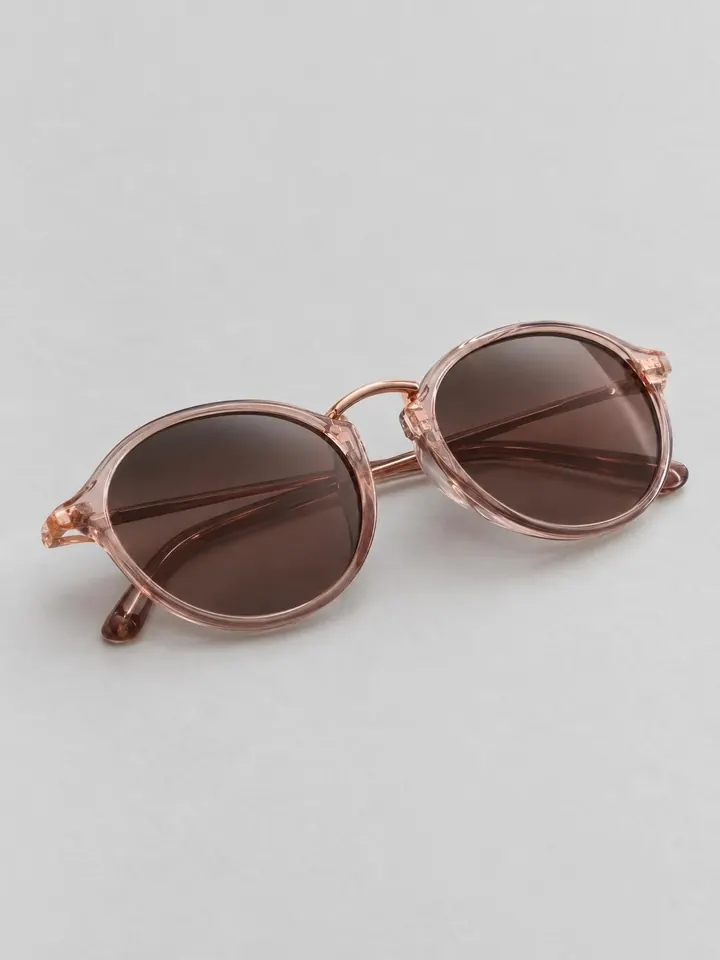
Before / After
Your product stays the same. Only the scene changes.
The AI studies every photo on your product page and reshoots the exact same product. It restages; it never redesigns.
- 01
Every photo is a reference
Shape, color, logo and stitching come from your real photos, not from imagination.
- 02
Only the right photos
Size charts, banners and other color variants are left out automatically.
- 03
You stay in control
Review every shot, reshoot any of them, or describe a scene of your own.
How it works
From link to listing in three steps.
-
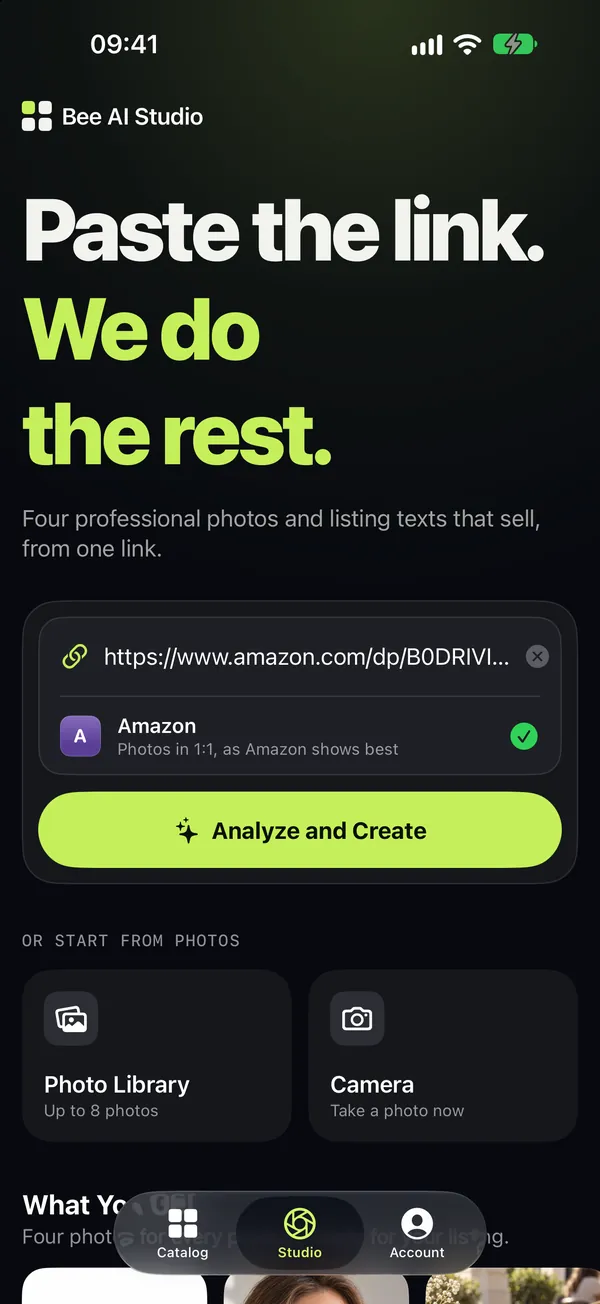
01
Paste a link
Copy a product link from any marketplace or store, or send it from the Share menu. No link? Start from your photos or the camera.
-
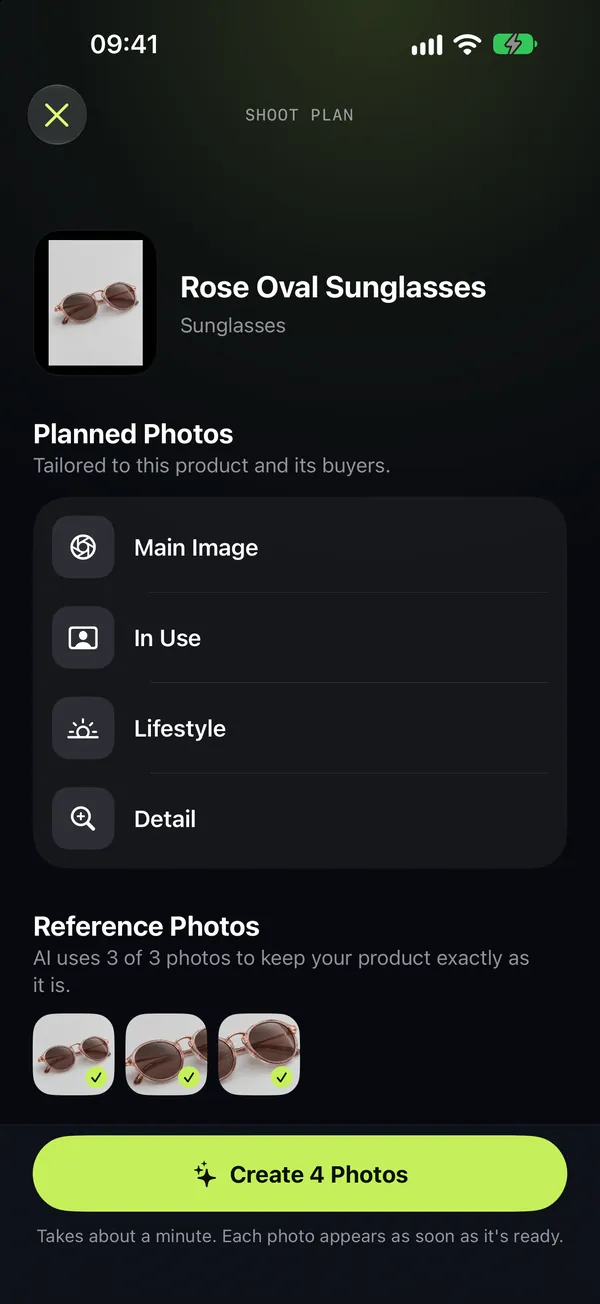
02
Review the shoot plan
The AI recognizes your product, picks the photos that really show it and plans four shots for its buyers.
-
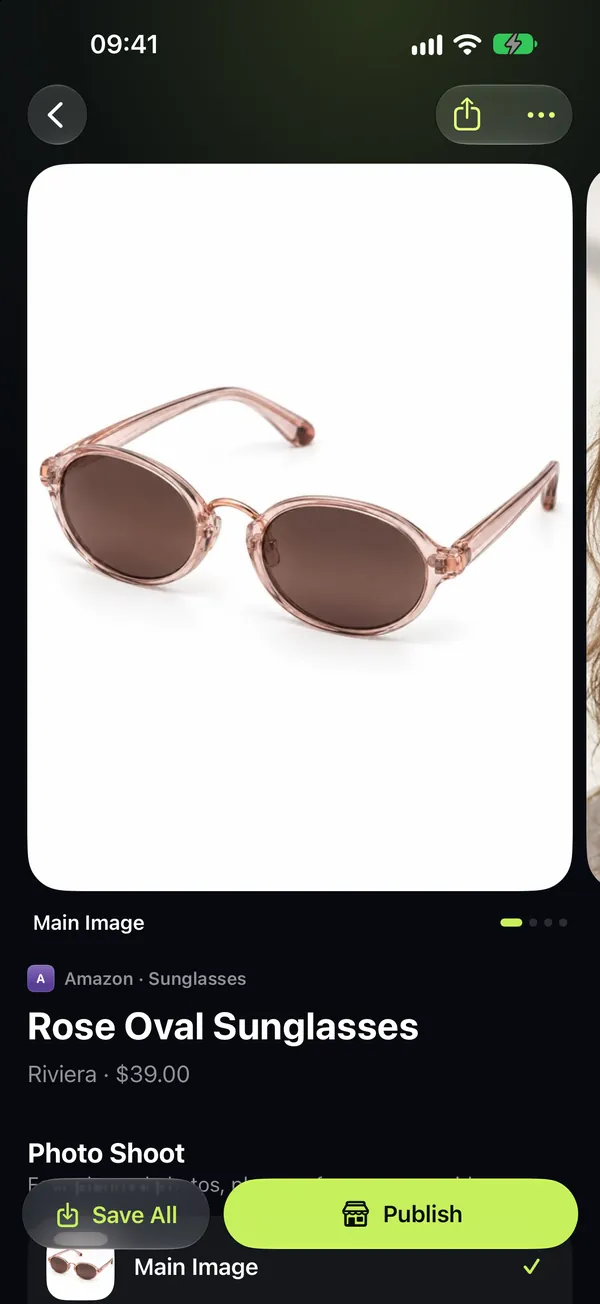
03
Save, share, publish
Photos arrive in about a minute, with title, description and keywords. The Publish Kit opens your seller center.
Four photos. Every product.
A complete photo set, planned for your buyers.
Every product gets the four shots that sell online, in the format each marketplace shows best.
-
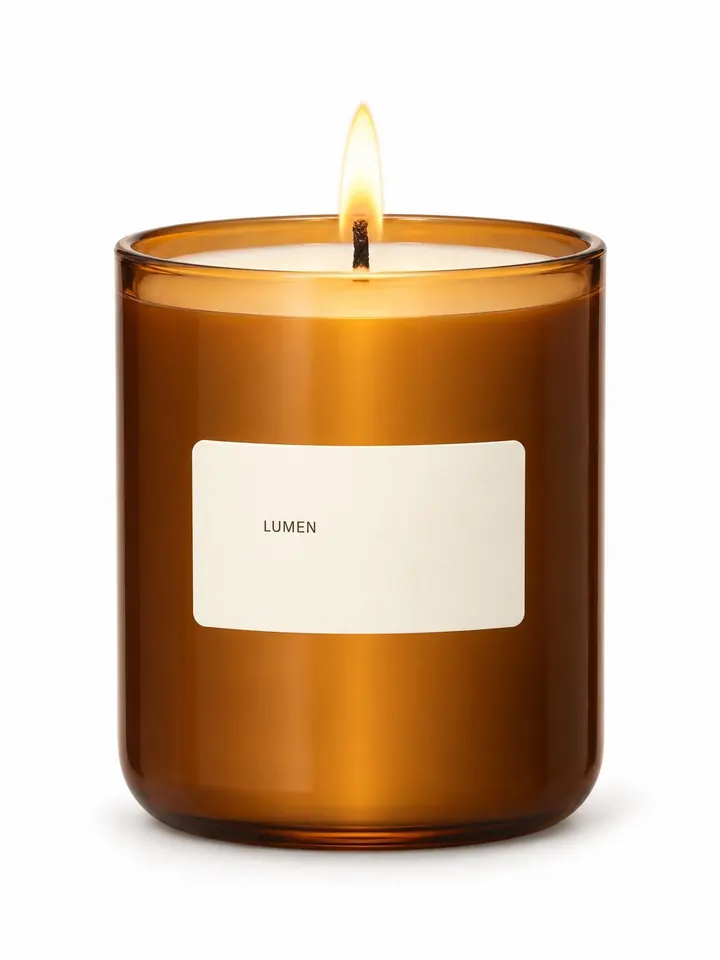
Main Image
On a clean white background, ready for marketplace rules.
-
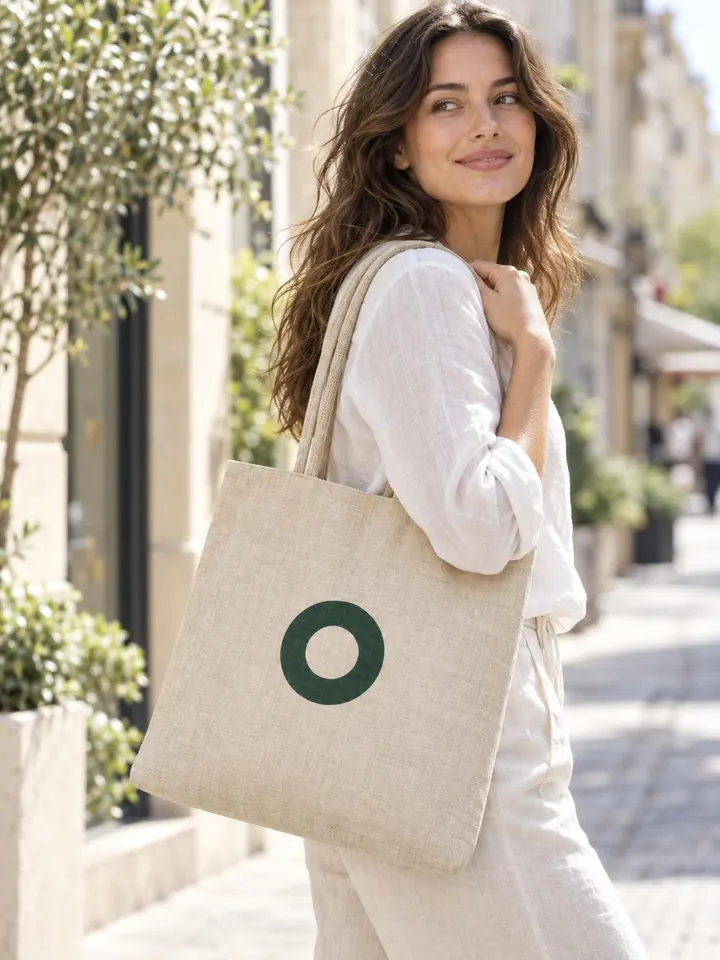
In Use
Worn, held or used by a model, so buyers see the scale.
-

Lifestyle
In a real setting that tells the product's story.
-
Detail
A close-up of texture, material and craft.
Your own idea
Describe a scene in your own words and get a fifth photo, with an optional headline.
A listing that sells
Title, description and keywords, written in the language of your listing.
The right size
1:1 for Amazon, 2:3 at 1200 × 1800 for Trendyol. Every marketplace gets its format.
Publish Kit
Save every photo, copy the texts and open your seller center, all in one place.
Private by design
No account. No passwords.
Bee AI Studio reads the public product page, just like a buyer would. You publish from your own seller panel.
No sign-up
Open the app and start. Your credits follow you to a new iPhone through iCloud Keychain.
No seller passwords or API keys
We never sign in to your marketplace account and never ask for your credentials.
Your photos stay yours
We don't keep your photos after a request, and we never use them to train AI.
Pricing
One credit. One product.
A credit covers everything for one product: the analysis, the listing, four studio photos and one photo from your own idea.
Free · 1 product
Your first product is free: four studio photos and the listing, on us.
-
Starter
$19.99/month
10 credits every month
- $2.00 per product
- Credits refill every month
-
Most popular
Pro
$54.99/month
30 credits every month
- $1.83 per product
- Credits refill every month
-
Business
$139.99/month
80 credits every month
- $1.75 per product
- Credits refill every month
-
5 Credits
$12.99
One-time purchase, never expires
- $2.60 per product
-
15 Credits
$34.99
One-time purchase, never expires
- $2.33 per product
-
40 Credits
$84.99
One-time purchase, never expires
- $2.12 per product
Prices in US dollars; the App Store shows the price in your currency. Plans renew monthly until you cancel in your Apple Account settings, and unused plan credits don't carry over.
Which marketplaces and stores does it work with?
Any public product page. Bee AI Studio reads links from Trendyol, Hepsiburada, Amazon, eBay, Etsy, Shopify stores and more than 20 marketplaces and stores. You can also start from photos in your library or take one with the camera.
Will the AI change my product?
No. It uses every photo of your product as a reference and recreates the same product in a new scene. AI can still slip on small details, so review each photo before you publish; you can reshoot any of them.
How long does it take?
About a minute. The four photos are made at the same time and land in your catalog as soon as each one is ready, even if you leave the screen.
What does one credit include?
One product: the analysis, the listing copy, four studio photos and one more photo from your own idea. A credit is used only when the first AI step succeeds; if it fails, you get the credit back.
Do I need an account or my seller password?
No. There's no sign-up, and we never ask for marketplace passwords or API keys. You publish from your own seller panel with the Publish Kit.
Can I use the photos commercially?
Yes. You can use the photos and texts made for you for any lawful purpose, including your marketplace listings.
Which languages does it support?
The app speaks English, Turkish, Arabic, German, Spanish, Italian, Portuguese and Russian, and writes your listing in the language of the listing.
How do I cancel a plan or get a refund?
Cancel any time in Settings → your Apple Account → Subscriptions. Purchases and refunds are handled by Apple at reportaproblem.apple.com.
Your next listing starts with a link.
Download Bee AI Studio and turn your first product into a studio shoot, free.
For iPhone · iOS 18 or later